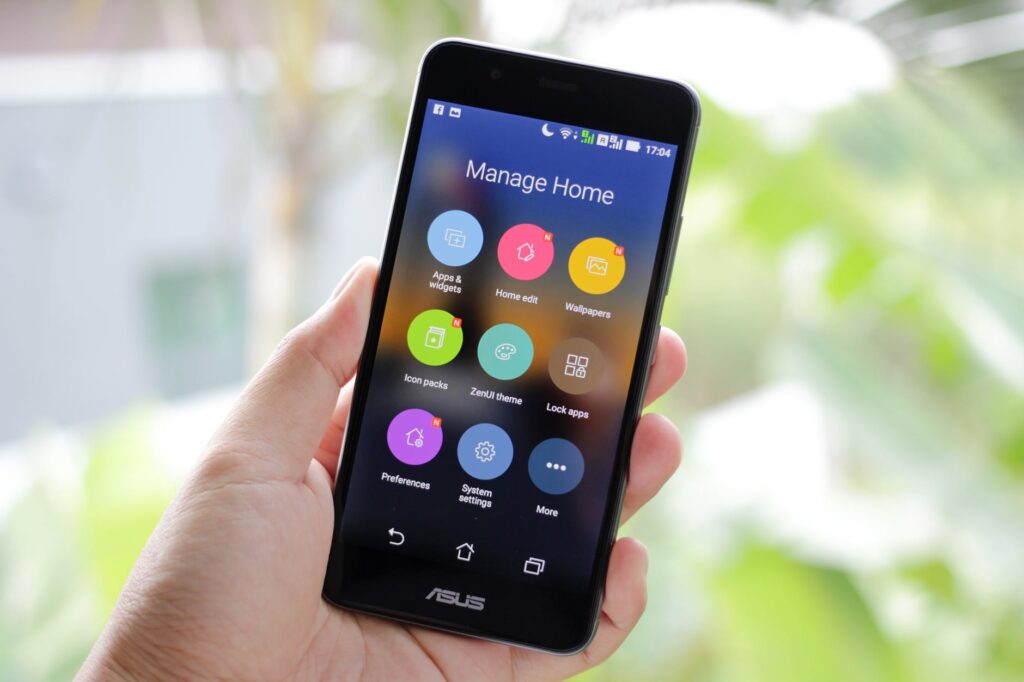
How do I factory reset my Android phone? There are a number of reasons why you might need to factory reset your Android phone. Maybe your phone is overloaded with apps and running slow, or you’ve downloaded a recent update and it’s causing problems with your phone’s functionality. Or maybe you want to reset to the factory settings because you’re selling your phone (you should always do this when selling an old device, by the way). Here’s how to factory reset your Android phone through the phone settings or via the recovery mode in case your device isn’t booting up to your home screen. WARNING: Before we get started, know that a factory reset will erase all the data on your phone. If you haven’t backed up your contacts, pictures, videos, documents and anything else (pr